
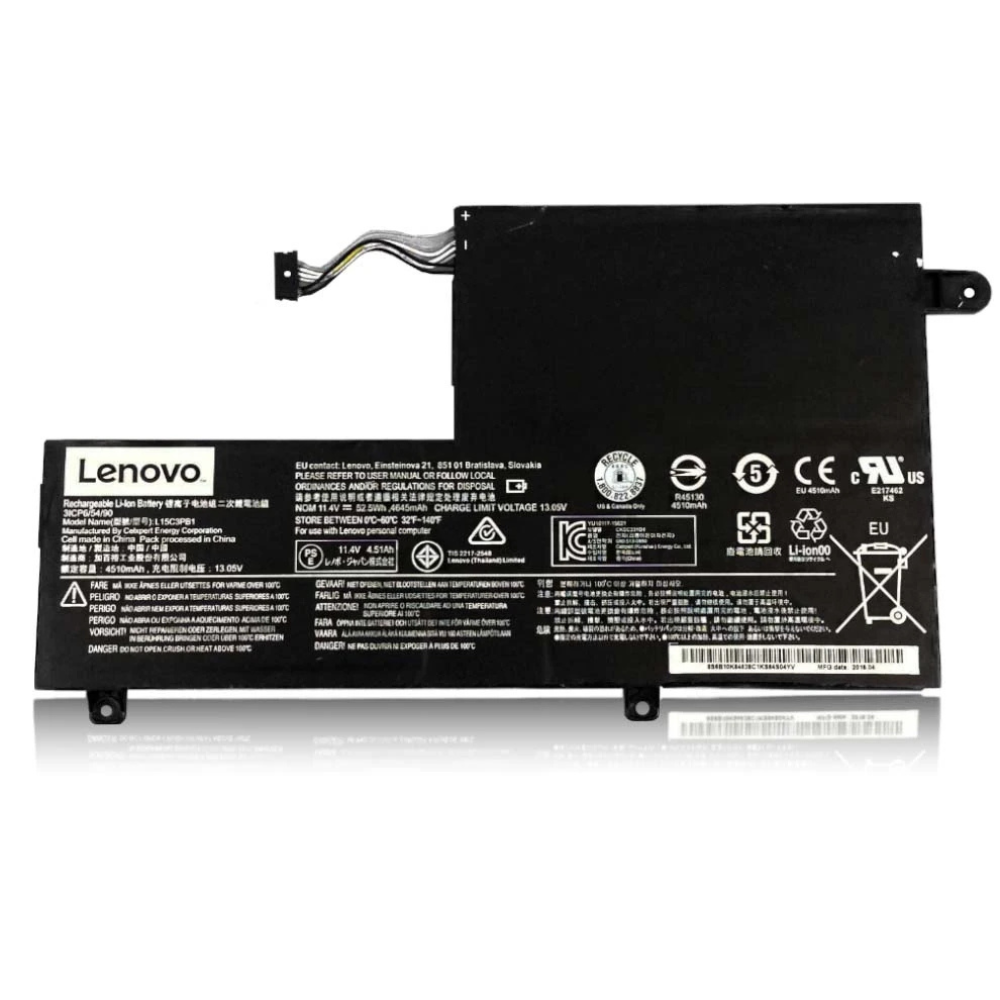
Best Lenovo Yoga Pro 7 Battery Replacement Singapore
Is your Yoga Pro 7 throttling during your creative workflows?
The Lenovo Yoga Pro 7 (also known as the Slim Pro 7 in some regions) is built for creators, featuring dedicated NVIDIA RTX graphics and high-wattage H-series processors. When the battery degrades, it can no longer supply the peak voltage these components demand, leading to sudden shutdowns during rendering or severe performance throttling. At StarLabs Singapore, we install high-performance 73Wh replacement batteries to restore your workstation’s mobility.
- Supported Models: Yoga Pro 7 Gen 8/9 (14IRH8 / 14APH8 / 14IMH9)
- Battery Spec: 73Wh High-Capacity (Model L22D4PF4)
- Service Time: 45 – 60 Minutes
- Warranty: 6 – 12 Months
- Location: Bugis, Bedok, Bukit Panjang, Queen St
The Cost of Power: Why Your Yoga Pro 7 Drains Fast
Unlike standard office laptops, the Yoga Pro 7 is a “sleeper” gaming machine. Understanding its power draw is key to maintaining battery health.
Primary Drain Factors:
- NVIDIA RTX 3050/4050: Even when idle, the dedicated GPU can draw power if background apps (like Adobe Creative Cloud or Browsers with hardware acceleration) keep it awake.
- PureSight Pro Display: The 14.5″ 3K 120Hz screen is beautiful, but pushing that many pixels at a high refresh rate consumes 20-30% more energy than a standard FHD panel.
Critical for Creators: Preventing “Battery Throttling”
For video editors and 3D artists, a dying battery is more than just an annoyance—it slows you down. When a lithium-ion battery ages, its internal resistance increases.
The Consequence: When you hit “Render” or “Export,” your CPU and GPU demand a spike of power. If the battery cannot supply this instant voltage, the laptop automatically throttles performance (slows down) to prevent a system crash. Replacing the battery restores your machine’s ability to handle these peak power loads.
Model Spotlight: Yoga Pro 7 Series
The Yoga Pro 7 sits in a unique spot between an ultralight laptop and a heavy gaming rig. It uses a 73Wh battery, which is quite large for a 14-inch chassis, to compensate for its powerful internals.
Comparison: Where does it fit?
| Feature | Yoga Pro 7 (14.5″) | Slim 7 Carbon (13″) | Legion Slim 5 (14″) |
|---|---|---|---|
| Battery Capacity | 73Wh (Balanced) | 50Wh (Small) | 73Wh – 80Wh (Large) |
| Primary Use | Creator / Editing | Office / Travel | Gaming |
| Power Draw | High (RTX + H-Series) | Low (U-Series) | Very High |
DIY Guide: How to Replace a Lenovo Yoga Pro 7 Battery
Note: This guide applies to the Yoga Pro 7 Gen 8 and Gen 9. The layout is dense due to the dual-fan cooling system.
⚠️ Disclaimer: Opening your laptop case may void your official Lenovo warranty. Lithium-ion batteries are volatile; never puncture or bend them. If you are unsure, please contact StarLabs for professional assistance.
Tools You Will Need:
- Torx T5 Screwdriver
- Plastic Pry Tool / Spudger
- Anti-static wrist strap (Recommended)
Step 1: Preparation
Shut down your Yoga Pro 7 completely. Unplug the 100W/140W USB-C charger and remove any connected devices.

Step 2: Remove the Bottom Case

Flip the laptop over. Use the T5 Torx screwdriver to remove the screws. Tip: The Yoga Pro 7 often has screws of different lengths near the hinge vs the front. Keep them organized.
Step 3: Release the Clips

Start prying from the hinge side (the ventilation exhaust area). The aluminum chassis is stiff, so use firm but gentle pressure to pop the clips.
Step 4: Disconnect the Battery Connector (Critical Step)

Locate the battery connector. In the Pro 7, this is often located centrally above the battery. Slide the metal locking bracket back (if present) and unplug the connector.
Step 5: Remove and Swap

Unscrew the mounting screws holding the 73Wh battery in place. Lift it out carefully. Insert the new StarLabs battery, ensuring it sits flat and the screw holes align perfectly.
Step 6: Reassemble and Calibrate

Snap the cover back on and secure the screws. Connect your charger. You must charge the new battery to 100% before running heavy tasks to calibrate the power management chip.
Need Help with Installation?
The Yoga Pro 7 has complex cooling pipes that can be easily damaged. If you prefer a professional touch, our experts can replace it for you in under an hour.
Frequently Asked Questions
Can I game on battery power with the new battery?
While you can, we strongly advise against heavy gaming on battery. The RTX graphics card requires significant power. Gaming on battery will drain the 73Wh cell in under 90 minutes and drastically reduce its total lifespan. For best performance, game while plugged in.
Does the new battery support Lenovo’s 140W Rapid Charge?
Yes. Our replacement batteries are engineered to handle the high current from Lenovo’s 100W and 140W USB-C chargers, ensuring Rapid Charge works safely and effectively.
Why does my battery percentage fluctuate during heavy video editing?
This is known as “voltage sag.” When the CPU and GPU spike to 100% load, they draw massive current. If your battery is old, voltage drops temporarily, confusing the sensor. A new battery stabilizes this voltage, providing accurate readings and stable performance.
Is this battery compatible with the AMD Ryzen version?
Yes, the Yoga Pro 7 uses the same 73Wh battery chassis for both the Intel (14IRH8) and AMD Ryzen (14APH8) models. Our technicians verify the exact part number before installation.
